Virtual Advent Calendar: Make One Online & Send It Anywhere
A virtual advent calendar is the December classic without the cardboard: 24 doors on a screen, one unlocking each day, each hiding something you chose — a photo, a video, a message. You make it in minutes and it can reach anyone, anywhere, today.
There are two ways to make one, and the difference matters more than most guides admit.


Link-based websites vs. a calendar file
Website makers (the ones that give you a shareable link) upload your photos and videos to their servers; your recipient views the calendar in a browser. It works, but your family photos now live on someone's server, subject to their retention policy, account requirements, and this-year's-business-model.
Advent Maker takes the file approach: the whole calendar — doors, photos, videos, messages — is packed into a single file on your device. You send that file like you'd send anything else: AirDrop, WhatsApp, Telegram, email. The recipient opens it in the free app, and the calendar lives on their device.
- Private: nothing is uploaded anywhere; no company holds your Christmas
- No accounts: neither of you signs up for anything, ever
- No expiry: a link can die in January; a file on their phone is theirs to keep
- Native experience: doors, countdown, and the snowman run as a real app, not a webpage
Making yours in four steps
- Install the free Advent Maker app on iPhone, iPad, or Mac.
- Create a New calendar and fill the 24 doors — the step-by-step guide covers this in detail.
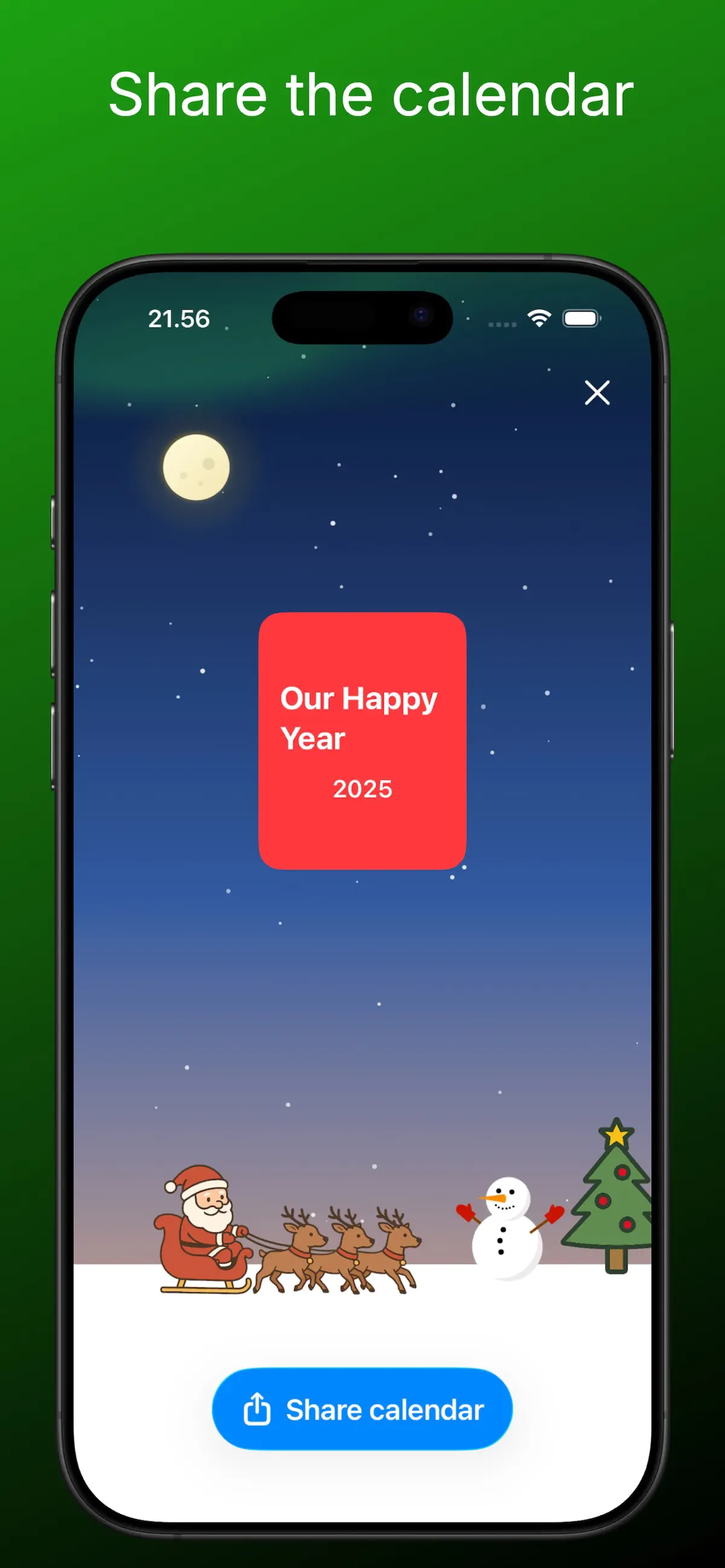
- Tap Share calendar and choose how to send the file.
- Your recipient installs the same free app and opens the file. Done — doors unlock daily from December 1st.
Who virtual calendars are perfect for
- Family abroad — no shipping, no customs, arrives in seconds
- Long-distance couples — the dedicated guide has 24 door ideas
- Grandparents — daily grandkid content, zero password resets
- Friend groups — send the same calendar to everyone and compare doors in the chat